RahaVidia – Your AI Assistant for Life & Business
An AI assistant for life and business that brings tasks, email, calendars, finances, and customers together, with custom agents, phone calls, automations, and integrations that turn everyday requests into clear actions under your control.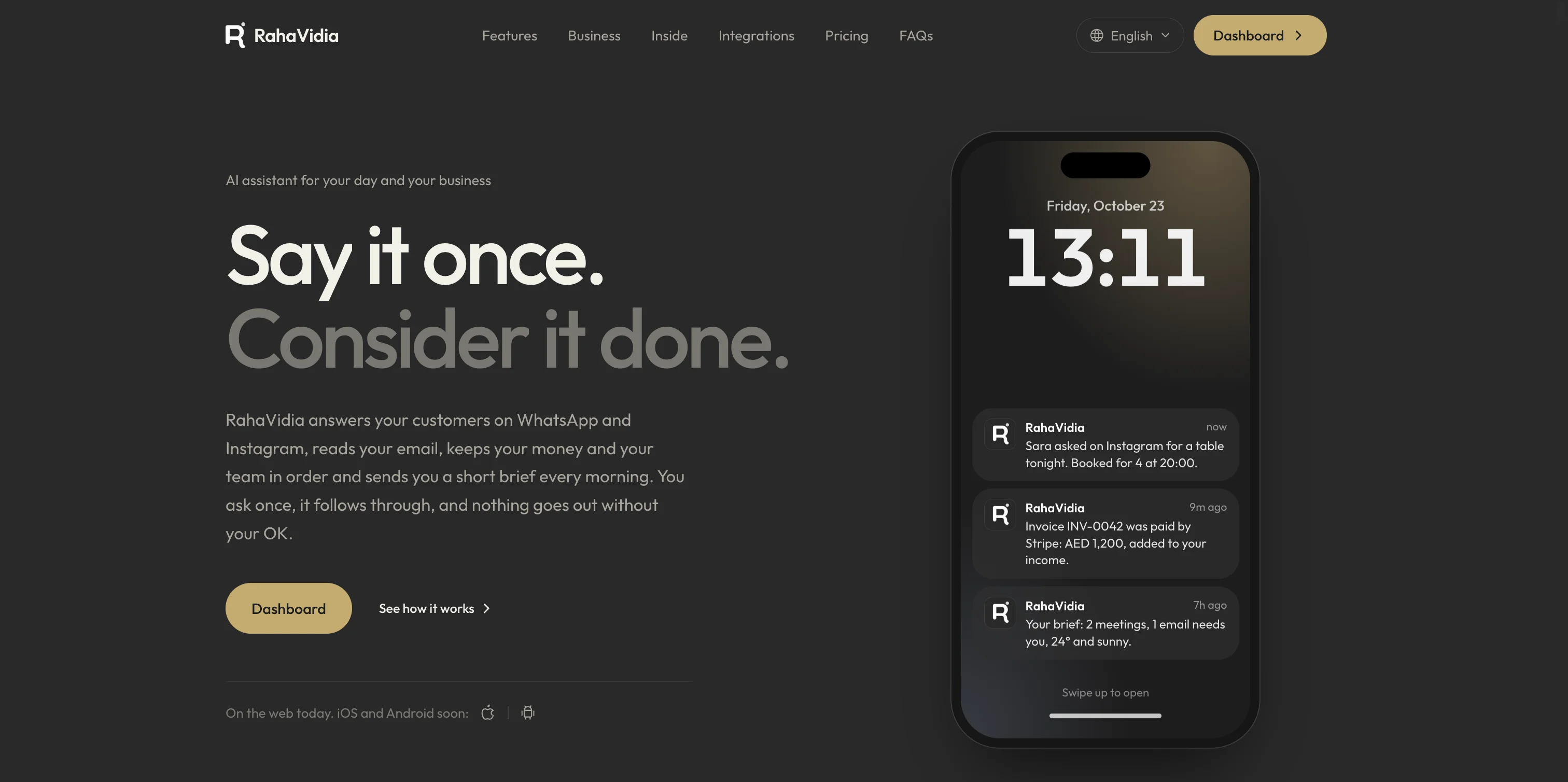
Take the app with you
Our mobile apps are on the way. Coming very soon to iOS and Android.
Coming very soon
App Store
For iOS
Coming very soon
Google Play
For Android
RahaVidia is an AI assistant platform for life and business that brings together tasks, calendars, email, contacts, finances, and business tools. It uses conversation and connected tools to prepare actions, carry out authorized work, and track results in one place.
It serves individuals organizing daily commitments, freelancers managing clients and appointments, and business owners and small teams keeping track of orders, communication, money, and daily work. Start with the tools you need and expand your use over time.
Yes. Within your plan limits, you can create personal, support, sales, or custom agents. Each has its own name, instructions, personality, and knowledge. Add reference files or website information, choose its tools and channels, and test it before activation.
Create tasks manually, through conversation, or by voice, with lists, priorities, deadlines, subtasks, and recurring commitments. Reminders and daily summaries help track upcoming and overdue work, with controls for notification channels, time zone, and quiet hours.
No. The platform provides an internal calendar, with an optional Google Calendar connection. Tools support viewing appointments, finding available times, checking conflicts, and preparing new or changed events, with review for actions that require your approval.
After connecting a supported mailbox such as Gmail, Outlook, or custom email, you can read, search, summarize, and translate conversations and prepare replies. Review drafts before sending, or configure automatic reply rules within the permissions you grant.
Yes. Record income and expenses, organize wallets, categories, and budgets, and track recurring commitments, debts, and savings goals. Create and send invoices, download PDFs, and record payments, with reports, exports, and Google Sheets connections.
Yes. Receipt and invoice details can become an expense linked to the original image, while business card details can become a contact. The scanning history keeps the source and result together so you can review the extracted information.
Tools include a front desk for connected customer channels, orders and bookings, a product and service catalog, staff, shifts, task assignments, daily cash records, and reports. Agents can help through WhatsApp Business, Instagram, and phone, depending on enabled integrations and settings.
Connect a number to an agent to answer calls using its instructions and knowledge, with call history, summaries, and transcripts. For an outgoing call, choose the recipient, purpose, instructions, and language, then review and approve starting it. Availability depends on supported numbers, destinations, service settings, and credits.
Automations connect an event or schedule with steps such as summarizing and classifying data, creating tasks, sending notifications, and updating tools. They support conditions, branches, waits, and approvals. Describe a workflow in natural language for help building it, then review, test, and monitor its run history.
Integrations include email, Google Calendar, Google Sheets, authorized Google Drive files, and channels such as WhatsApp Business, Instagram, and Telegram. Team, data, and commerce tools include Slack, Notion, Airtable, HubSpot, Stripe, and Shopify. Available actions depend on each integration, permissions, and account settings.
Actions that need approval, such as sending a message, changing an appointment, or starting a call, are presented for review before execution. You define which reply rules and workflows can run automatically, track outcomes and status, and manage connected tools and permissions.
Yes. Review, edit, and delete information stored in the assistant's memory. Memory helps retain useful preferences and context, while tasks, appointments, and transactions stay in their own records for direct management.
Features and limits depend on the account plan and connected services. Some AI, voice, phone, and messaging operations use credits. The platform shows usage and offers spending limits, with balance management and top-up options according to what is available to the account.
RahaVidia supports Arabic, English, and German, with text and voice conversations, file and image attachments, and manual management. The interface suits mobile and desktop screens, with options for appearance, personality, voice, and notifications.